










POS Printer
To print A4 Posters, Stack Cards and Shelf Talkers follow the steps below.
STEP 1 - Select a Category and Product from the Core Product Range.
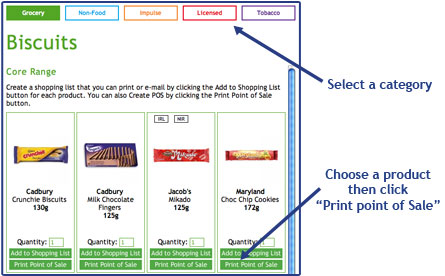
STEP 2 - Select a POS Type from the drop down menu.

STEP 3 - Fill in the price & offer details in the fields provided, then click 'Create POS'.
To print multiple Shelf Edge Labels follow the steps below.
STEP 1 - Select multipul Products from the Categories in the Core Product Range.
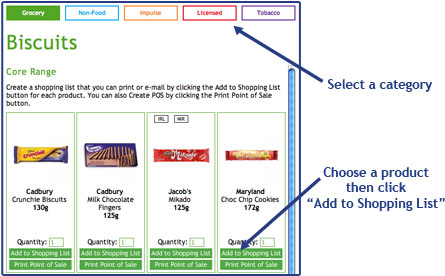
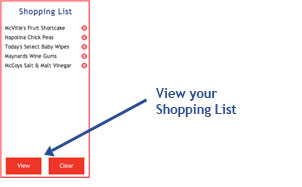
STEP 2 - Click on the 'View' button at the bottom of the shopping list.
STEP 3 - Click on 'POS Labels' in the print section, fill in a price for each item and then click 'Print Labels'.


